
Caddo Parish Multi-Day Arrest Records
Shreveport posts its arrest reports in two connected places. The Shreveport City Jail News Flash archive holds dated PDF files, each stamped with the day it was made. Fresh reports roll onto the City Jail page, which together with the archive stretches across consecutive days. The city never labels this a full Caddo Parish 72-hour blotter. A seven-day version does not exist either. Still, it is the closest official source for recent arrests covering several days at once.
The parish sheriff works on a different system. The CPSO roster shows who is in custody at Caddo Correctional Center right now, so older booking dates linger while a person stays jailed and names vanish once they are freed. Press releases from the sheriff cover only a few selected arrest cases, not every booking in Caddo Parish.
Read Caddo Parish Blotter Dates
A posting date on a Caddo Parish blotter is not always the arrest date, so keep the two separate. Municipal PDFs, the current jail roster, and a weekly media roundup each track Caddo arrests through a different lens.
- Open the City Jail landing page and note the oldest and newest reports still linked.
- Use News Flash when the needed date has rolled off the landing page.
- Open the PDF and compare its report label, generated timestamp, and each confined date/time.
- Check the CPSO roster for current CCC custody, sorting by booking date while remembering it is not a date-limited feed.
- For a same-day question, switch to Arrests Last 24 Hours. For an older missing item, request the report from its custodian.
An arrest near midnight may land on either date. Check the neighboring blotter entries to be sure. And when two Caddo arrest records look alike, never merge them on names alone; verify DOB, SO number, agency, and facility first.
Caddo Blotter Entry Fields
A Shreveport PDF reads more like a full report than a CPSO roster row. Fields differ between them. On the Caddo blotter, "Warrant" can point to the issuing authority. That authority issued process tied to the booking. "Bond" shows a condition or amount at that moment. It does not say whether the person was actually released later.
| Field | How to read it |
|---|---|
| Confined date/time | Municipal intake timing, distinct from PDF publication |
| Arresting agency | Agency credited in the report, not necessarily the jail operator |
| Charges | Charges recorded at booking, subject to later change |
| Warrant authority | Warrant number or issuing source when supplied |
| Bond | Amount and type displayed at report generation |
| Image Yes/No | Availability indicator, not a guarantee of a public image |
After booking, Caddo Parish Clerk Criminal Division is the parish office to consult for filings, minutes, and dispositions. Some municipal cases go through Shreveport City Court.
Shreveport Arrest Report Archive
The city's News Flash archive holds the folder structure a visitor follows to pull older, date-labeled Shreveport arrest reports.
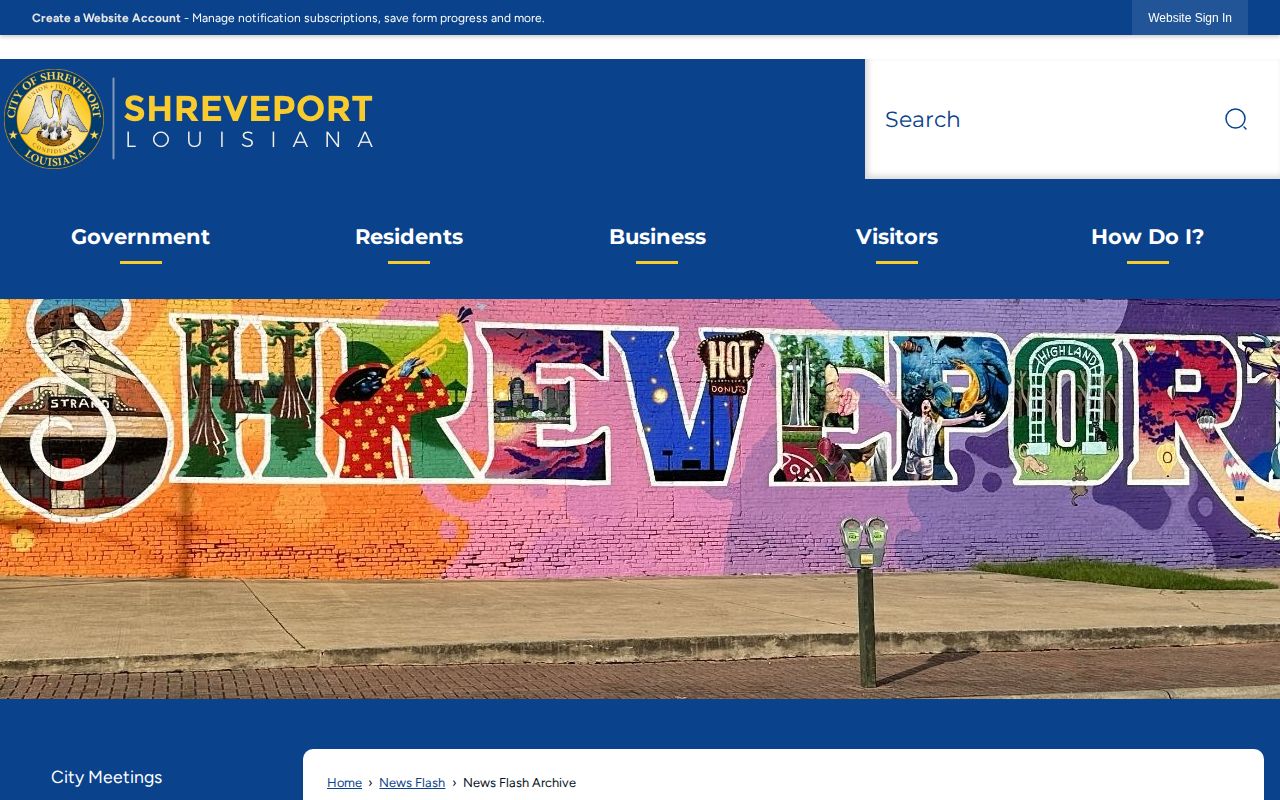
Treat the archive as a map, not the record itself. The live PDF is what actually counts, and the archive makes no promise that reports stay posted forever.
Weekend Caddo Arrest Reporting
Weekend arrests and weekend publication run on different clocks. Caddo Parish reports do carry weekend date labels. Yet no office pledges a fixed posting hour for each day. A PDF might land the next morning. Holiday staffing can stretch that gap. A technical hiccup can stretch it too. Check the day before and the day after. A weekly news post works on its own schedule, too. It may gather CCC bookings from several dates and run days later. Its count covers only that one post, not the whole parish. A story-driven report can likewise skip routine bookings while spotlighting a single case.
Note: Count people only within the exact source and period stated; do not turn a media roundup into an official parish total.
Caddo Arrest Archives and Retention
Once a City Jail report slides off the landing page, start with News Flash. The archive reaches older reports, but it guarantees nothing about permanent online storage. The CPSO roster's Historical Bookings link sits behind a login. So it isn't a fully open public archive either. For genuinely old records, go to the CPSO public-records custodian. The Shreveport request portal and the clerk on the case work too. Name the person and list any aliases. Give a date range. Add the arresting agency, the facility, and any identifiers. Request the booking sheet, photo, charge history, or release time by name. Louisiana R.S. 44:411 sets retention schedules. Its state-corrections rule still doesn't promise a CPSO web row stays up that long. The underlying agency and court records can outlive any live roster.
How Weekly Caddo Arrest Coverage Differs
Local newsrooms track Caddo Parish arrests in their own way. Their coverage sits beyond the official archives. 710 KEEL Crime News posts weekly rounds of Caddo Correctional Center booking photos. KSLA Crime blends Jail Bookings items with stories on individual incidents. Neither follows the City Jail PDFs. Nor do they match the rhythm of the CPSO roster. A weekly 710 KEEL arrest roundup shows the format well.

Treat such stories as snapshots, not records. The names, photos, and counts in a news post can lag or leave gaps. The KSLA Crime section offers event context the same way.
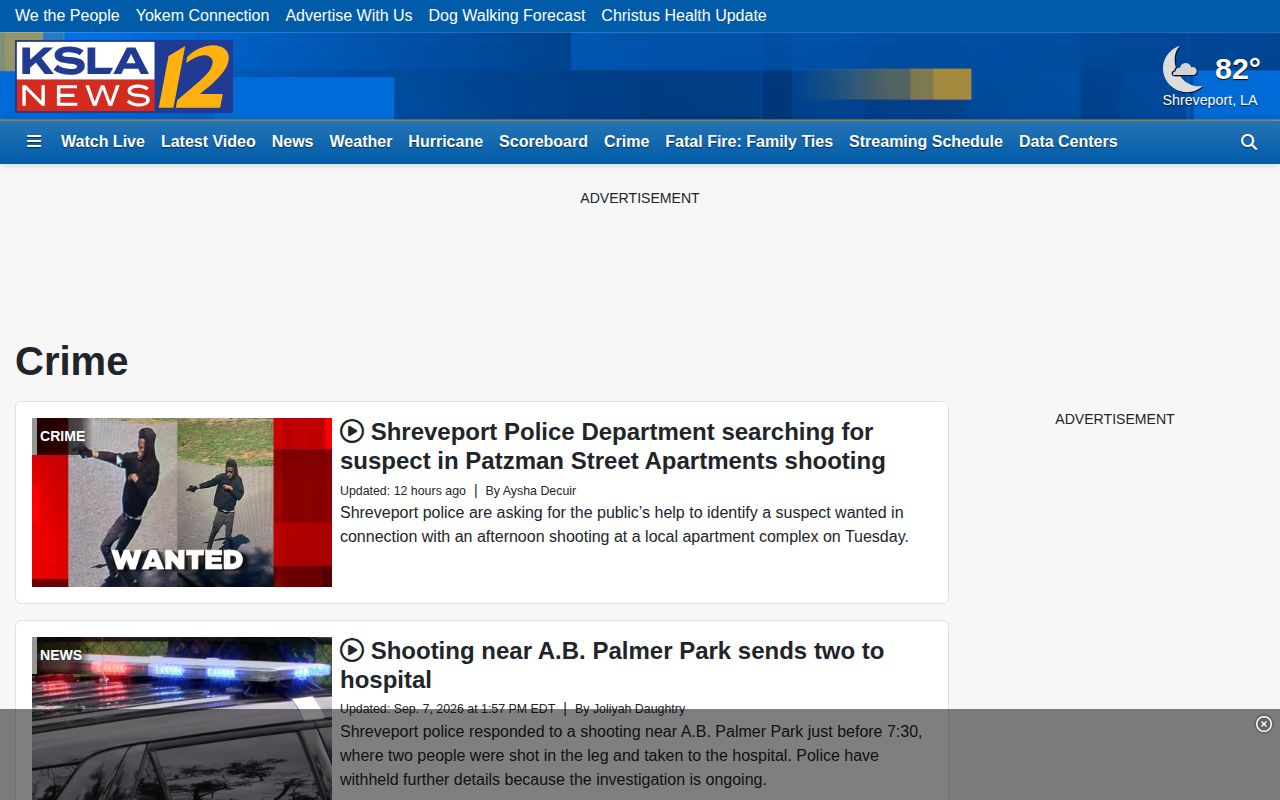
KSLA reports the news rather than running a booking database. For anything that matters, check with the agency named in the story.
Unofficial Caddo Blotter Limits
Red River Dispatch is an unofficial viewer. It pulls from CPSO and may lean on cached pages. Arrests.org Caddo lets you browse by date, but its freshness is hit or miss. RecentlyBooked Caddo covers a rolling window rather than live custody. These sites sit downstream of the official sources. A listing can linger after release, miss a Shreveport booking, or garble a field. Pages can vanish without warning. For current custody, go to CPSO, the City Jail, or LAVINE. Case outcomes belong to the court.
Caddo Police Blotter Source Boundaries
A good Caddo blotter search keeps the paperwork straight. Know who made the arrest. Shreveport Police handle many city arrests, yet the City Jail publishes the daily inmate report. The two offices play different roles. CPSO runs CCC and posts the current roster there. A state trooper or a smaller municipal department can also book someone into either facility. So the agency and the custody site answer different questions.
CPSO press releases add narrative detail to selected investigations. Still, the sheriff posts no release for every arrest. Shreveport Police news works the same way. Treat a dated release as an event record and the jail report as the intake record.
- Booking
- The jail intake process and record created after an arrest.
- Blotter
- A dated series of agency events or booking reports, not necessarily a complete county database.
- Disposition
- The court’s later resolution, which can differ from the booking charge.
- Transfer
- A move to another jail or custody system that can end visibility in the first roster.
Trace Caddo Cases Past Booking
The blotter only starts the story. The court record finishes it. A multi-day Caddo roster gives you the booking date, the agency, and key identifiers. Take those details to the Clerk. Caddo Clerk indexes criminal cases back to 1980, with computerized minutes from 1984 and scanned criminal documents from 2002. Those dates mark layers of court access, not a mugshot archive. Clerk Connect is the online Caddo case-search endpoint. The Criminal Division handles copies and certifications.
A case number, minute entry, indictment, or bill of information can show what happened after the booked charge. Sealed or expunged files stay off limits. Shreveport City Court takes municipal ordinance and some misdemeanor matters. Its search covers citations and court cases, not inmates. Match the court to the charge and arresting authority, then compare names, dates, and case numbers before trusting an old news story over a later dismissal or expungement order.
Organize a Caddo Date Search
Keep a log as you search Caddo dates. Jot down the PDF label and its timestamp. Note the confined time too. Then add the agency, the SO number, and any court case number that appears later. That keeps one report from becoming two arrests. It also makes a focused records request easier whenever the archive shows a gap.
Skip saving booking images when a citation to the official report answers the question. Photos get withheld, corrected, or expunged. A name, date, agency, and source link make a cleaner trail, and the originating record beats an old note because custody and court status change.
Public Record Search
Sponsored Results